
How to Automate Bag Counting on a Conveyor Belt — and Stop the Line at an Exact Count
Manual counting on conveyor belts is prone to human error, and traditional optical sensors frequently miscount bags that overlap or crumple. This case study demonstrates how an AI-powered computer vision system solved both problems. Learn how Camcontador achieved 99.9% counting accuracy and enabled automated line stops at precise quantities without the need for expensive hardware upgrades.
Summary
Industries served
- Sugar, flour and cereal factories
- FMCG manufacturers (household chemicals) and dry construction mix producers
- Logistics terminals and distribution centers
Tasks
- Automate the counting of bags on the conveyor belt
- Eliminate errors caused by manual accounting and optical sensors
- The conveyor line must stop automatically when the specified number of bags is reached
Results
- Counting accuracy 99.9% | Deployment time 2–3 days
- The video counter counts bags with 99.9% accuracy, even when they overlap or are fed in tightly
- Dispatching becomes predictable and fast: the operator monitors the flow, while the system counts and saves the data for the accounting system
- Losses and excess consumption of products are reduced
Situation
In manufacturing facilities and warehouses where products are packed into bags, the loading process typically follows the same pattern. The goods move along a conveyor belt and are loaded into a truck or railcar. Each order may contain hundreds of items, which must be counted quickly and accurately before loading.
In these areas, counting is often done manually. The operator must simultaneously count the bags on the line, monitor the flow of vehicles, and check documents. Under these conditions, it is easy to lose count — due to noise, fatigue, or a momentary distraction.
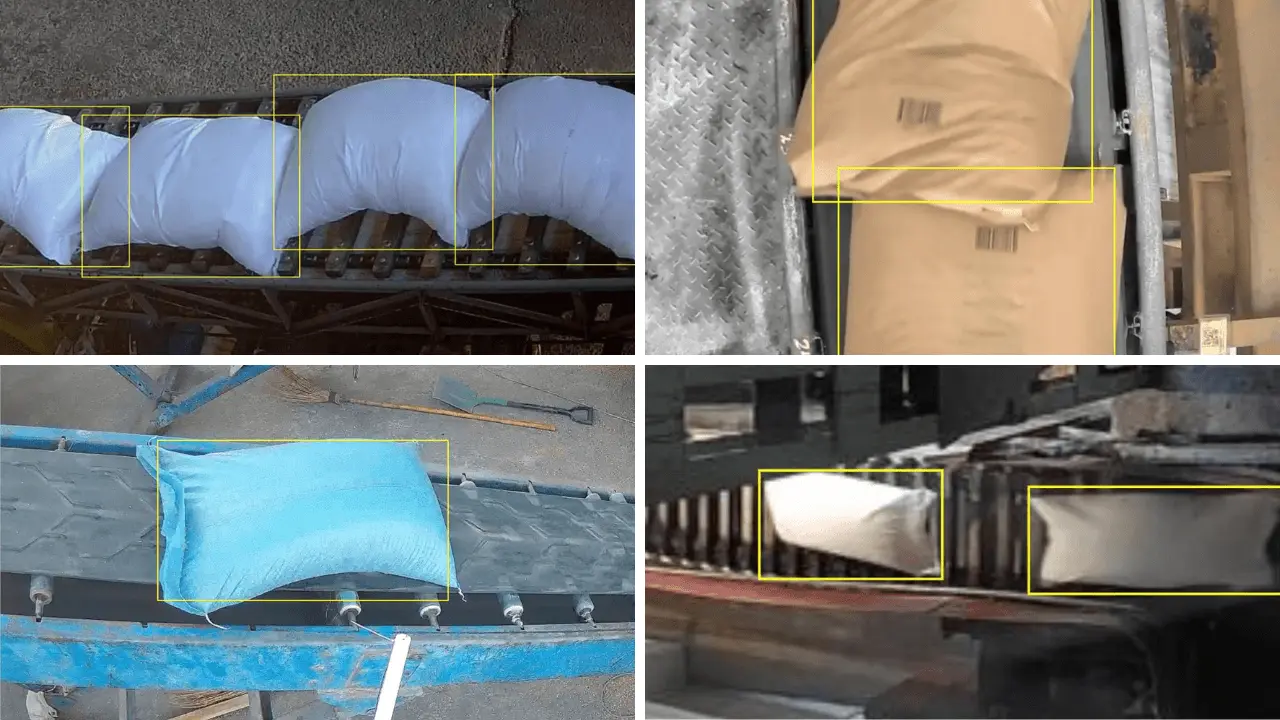
Some facilities install optical sensors as a backup measure. These sensors detect when the light beam is interrupted as an object passes through a checkpoint. But this only partially solves the problem. Bags on the conveyor belt rarely lie perfectly flat: they can be packed tightly together, overlap at the edges, or become crumpled. In such cases, the sensor makes a mistake. It either counts several bags as one, or, conversely, generates an extra pulse due to a crease in the packaging.
As a result, inventory accuracy suffers. Operators have to manually recount the number of bags or add extra goods beyond the order quantity. Companies lose products due to over-fulfillment or face complaints from customers due to shortfalls.
Challenge
Customers come to us to solve two core problems at once:
1. Automate in-line bag counting during loading.
2. Eliminate errors caused by manual tracking and traditional optical sensors.
Many customers also add a crucial third requirement:
3. The conveyor line must stop automatically when a specified number of bags is reached.
Simply installing a counter on the line is not enough. The system must provide complete automated loading control and seamlessly send real-time counting data directly to the company’s ERP system (like SAP or Oracle).
Solution
We deploy the Camcontador — our computer vision counting platform — using the customer’s existing cameras and computers. This allows for digital product counting without stopping the production line or purchasing additional equipment.
How the conveyor belt bag counter works
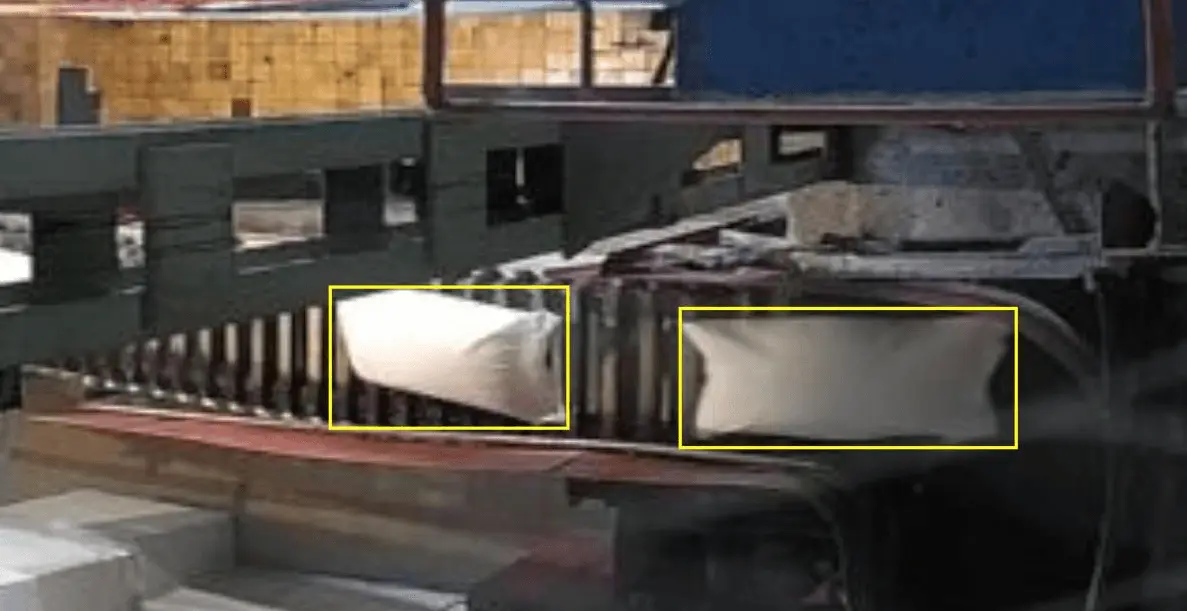
The in-line counter connects to the video feed from the camera and analyzes the image in real time. The counting process is based on a computer vision algorithm. Unlike local sensors, which simply detect signal interruptions, the video counter analyzes the geometry and movement of every object in the frame.
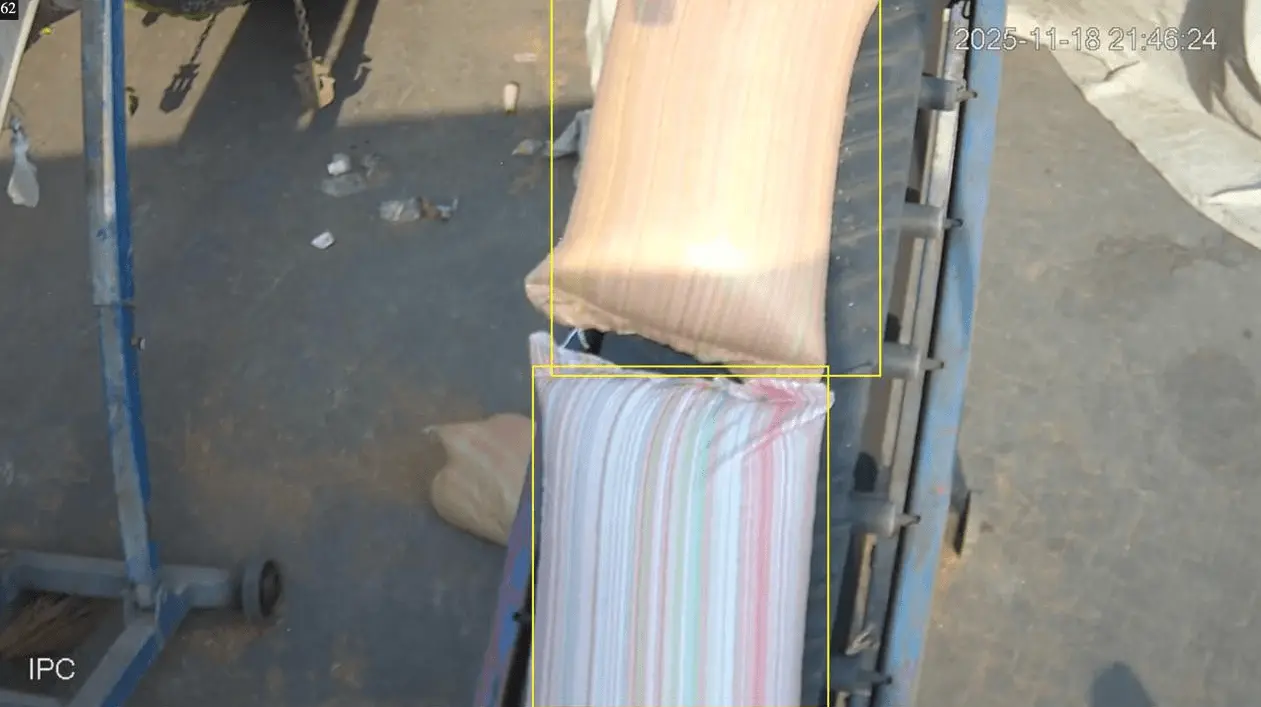
Counting zone. A virtual area through which the bags pass is defined within the frame. The counting zone is configured for a specific line.
Object tracking. Every bag that enters this zone is recorded by the system and assigned a unique identifier. The system tracks the object from the moment it enters the frame until it exits.
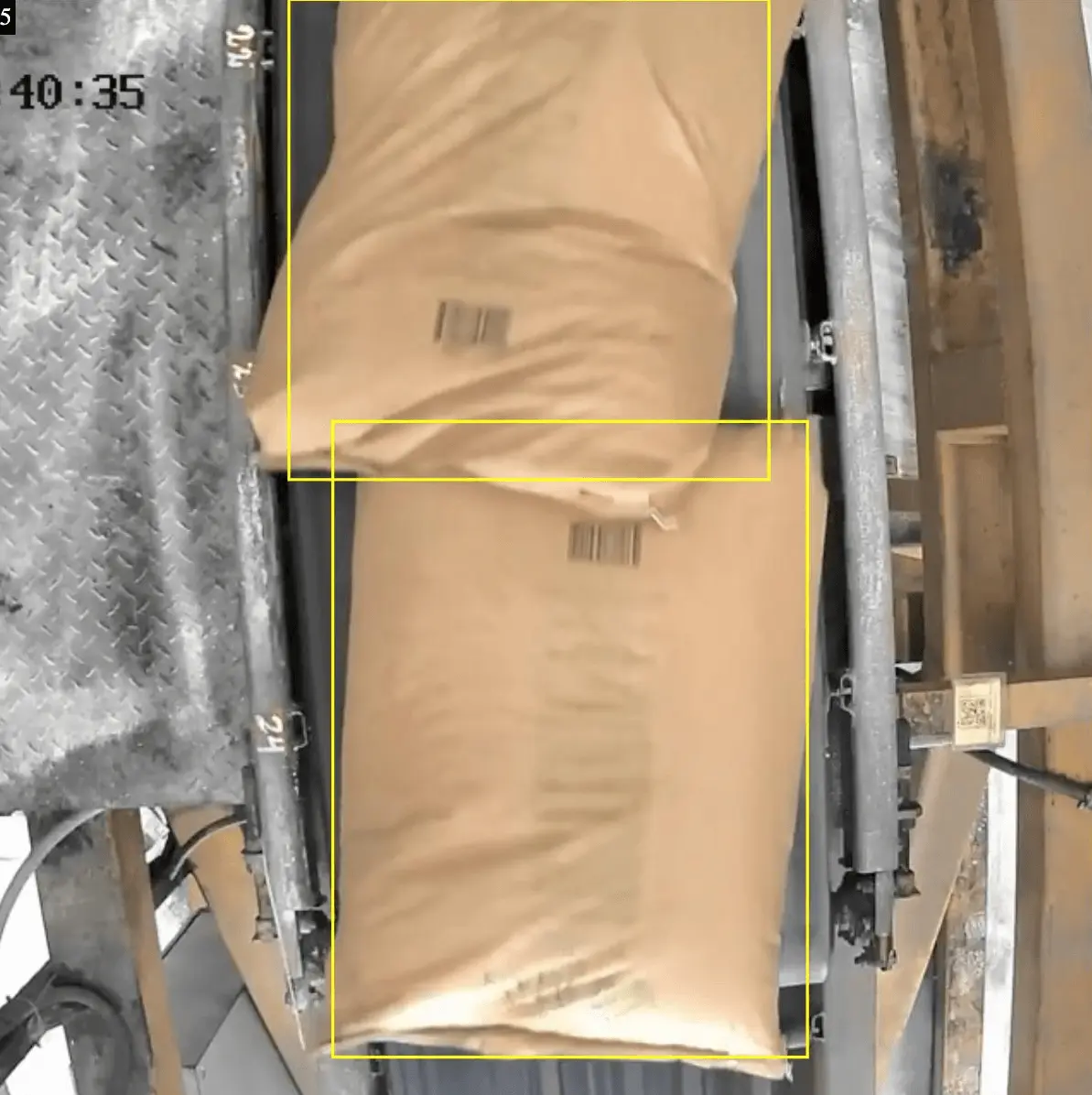
Counting bags in a stream. The video counter detects the boundaries, shape, and movement of each bag. Even if they are running close together or partially overlapping, the algorithm recognizes them as separate objects and counts them correctly individually.
The system is not affected by dust, conveyor vibrations, or changes in workshop lighting — factors that often cause traditional sensors to malfunction.
Javi Martínez, Project Manager
What changes in the workflow
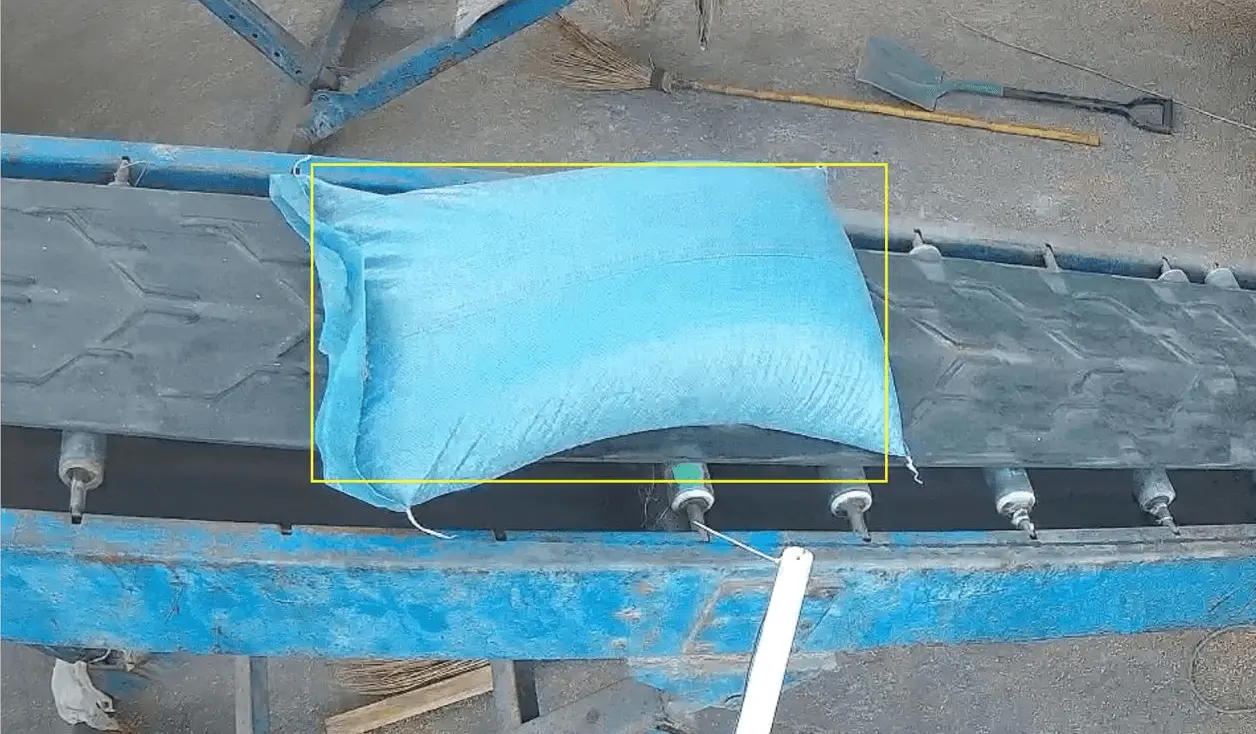
Once implemented, the video counter automatically records all items and tracks shipments in real time.
Nothing changes on the production line itself — it’s the operator’s role that changes. The operator no longer needs to count bags manually or keep track of the current numbers. They oversee the process, while the video counter collects statistics for any given period and sends the data to the company’s ERP system.
It takes 2–3 days to set up the video counter — enough time to automate bag counting and eliminate human error. The same counting technology is used in other industries: for example, counting eggs at poultry farms or bread at bakeries.
The third task — integrating the counter with the conveyor to control loading — takes much longer.
Integration of the counter with the conveyor
Counting bags is a technically simple task. But customers often want more: they want the line to stop automatically once the required number of bags has been reached — without the operator having to give a command and without the risk of the operator getting distracted at the wrong moment.
To do this, we will integrate the video counter with the conveyor.
Before loading, the operator enters the order details:
- customer name or order number;
- the required number of bags;
- packaging type: bags or bales.
Press “Start” — and just watch. When the specified number of bags has passed through the counting zone, the conveyor stops automatically.
Setting up equipment integration
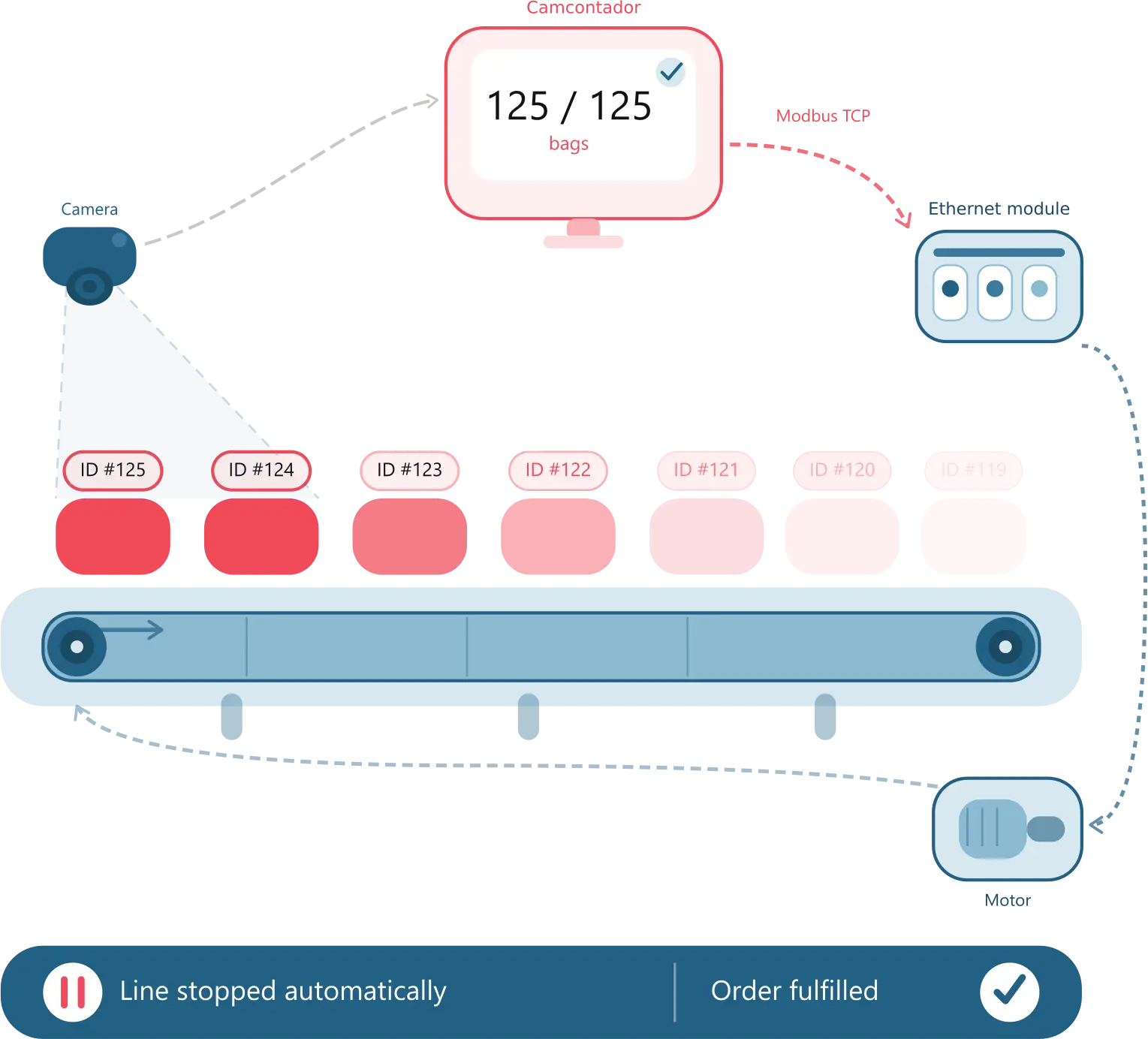
Technically, the line is controlled via a discrete output Ethernet module — such as the Moxa ioLogik E1214 or the Advantech ADAM-6060. The module connects to the local network, receives a command from our program via the Modbus TCP industrial protocol, and opens the relay in the conveyor control circuit. The line stops.
The conveyor motor is not connected directly to the module — the inrush currents would burn out the relay contacts. A magnetic starter — a contactor — or a variable frequency drive is installed between them. A contactor simply turns the line on and off. A frequency converter also allows you to control the speed and set smooth braking — which is useful to prevent the product from spilling when the conveyor stops.
If the frequency converter supports Modbus TCP, we connect the Camcontador directly to it — without any additional modules. In other cases, we use Modbus RTU gateways or analog control modules. The appropriate configuration depends on the specific equipment at the facility. We define the right configuration together with the customer’s technical team before deployment.
How shipment management works
The system works in a simple and straightforward way:
- Each bag that enters the counting zone is assigned a unique number and increments the counter.
- The system compares the current quantity with the quantity specified in the order parameters.
- When the values match, the program sends a control signal via Modbus TCP to the actuator — a discrete output module or a frequency converter.
- The device opens the control circuit.
- The conveyor stops.
The line stops the moment the exact number of bags has passed through the counting zone — no more and no less.
Results
Once implemented, the video counter handles the tracking and management of orders.
Counting bags on the conveyor belt is no longer subject to human error. The system detects every bag in the flow and keeps an accurate count in real time. Errors caused by fatigue, distractions, or a high volume of bags are eliminated.
The loading process becomes predictable. The company delivers exactly the amount of product specified in the order — without shortages or excesses.
When integrated with the conveyor, the line stops automatically at the right moment — without operator intervention. Manual operations are reduced, and there is no need to recount the products.
Transparent tracking is provided: data for each order is recorded and linked to a specific customer. This data is available for analysis and can be exported as reports for any time period.
Counting accuracy — 99.9%.
Deployment time — 2–3 days for bag counting automation. Up to two weeks if conveyor integration and automatic stop are required.
Team. An engineer from our team connects to the system to start up and remotely configure the counter. On the customer’s side, there is usually one technical specialist working on the task.
Questions and Answers
We’ve compiled a list of frequently asked questions about bag counting and using the video counter.
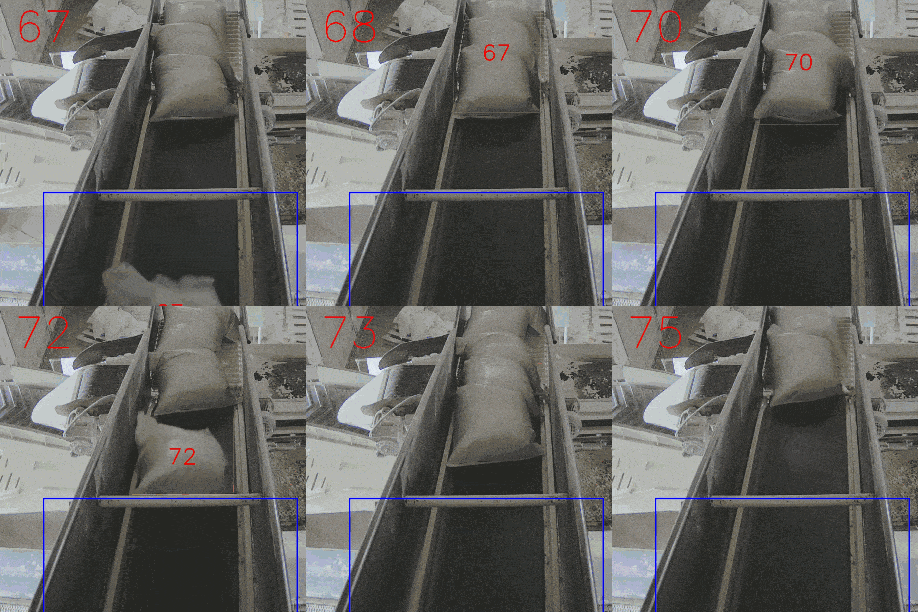
The optical sensor detects signal interruptions. If there is a gap between the bags, it detects an object. If there is no gap, it counts them as a single object. That is why it counts two bags traveling close together as a single object. Four bags with no gaps between them are also counted as a single object.
Computer vision works differently. The algorithm detects the shape and edges of each object in the frame — just like a human. Even if the bags are placed close together or partially overlap, the system recognizes them as separate objects and counts each one individually.
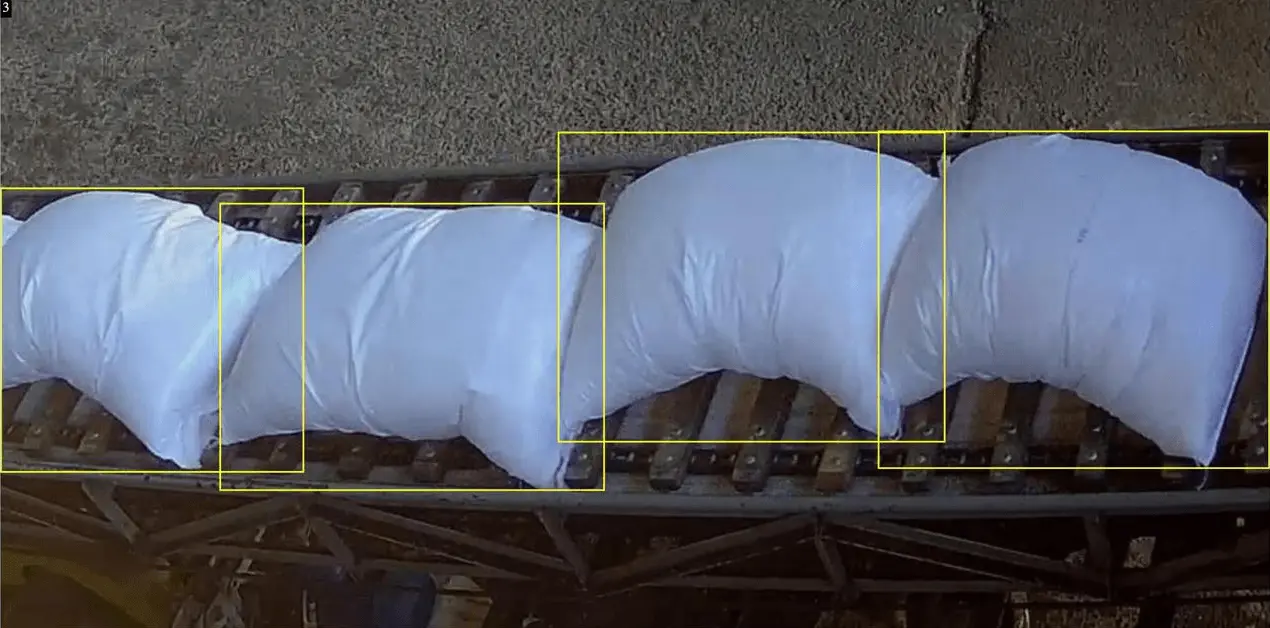
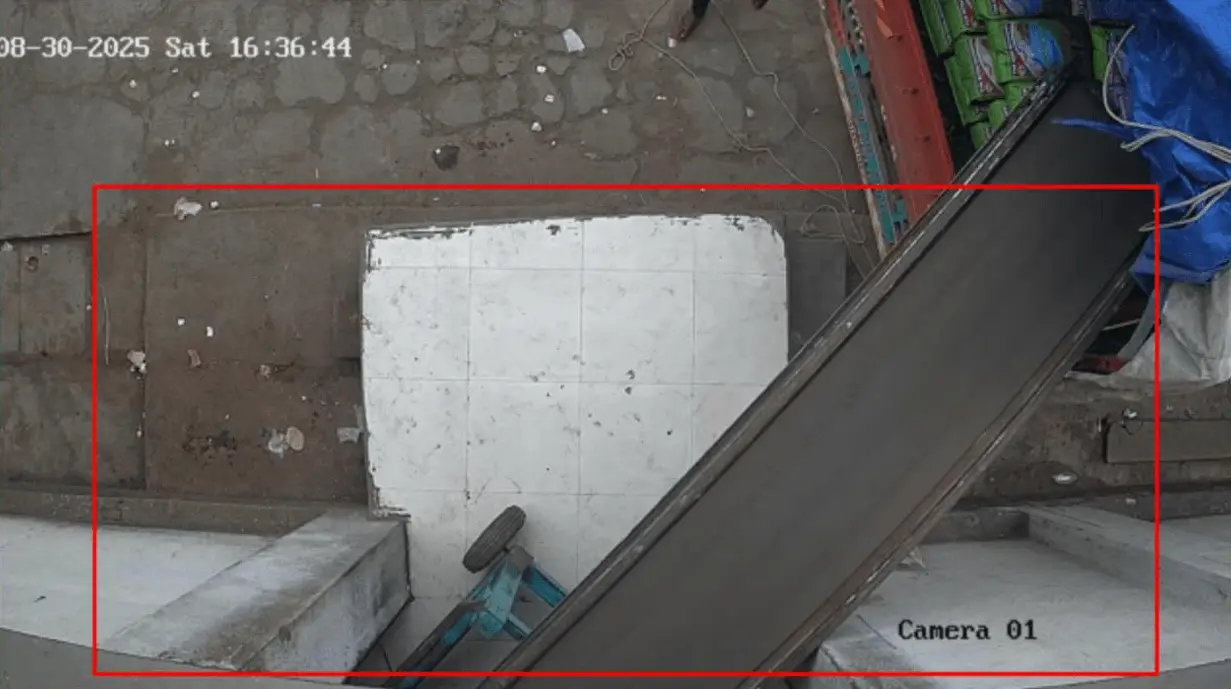
In practice, vehicles rarely remain in the exact same position. Today the body is slightly to the left, tomorrow to the right, and the day after tomorrow at an angle. Because of this, the path of the bags within the frame shifts, and a fixed counting zone may not cover the entire flow.
We take this into account during the setup phase. We make the detection area elongated — for example, across the entire width of the frame or along the line of motion.
This ensures that the bag passes through the zone regardless of how the vehicle is positioned. The video counter consistently tracks the flow without needing to be recalibrated for each new vehicle.
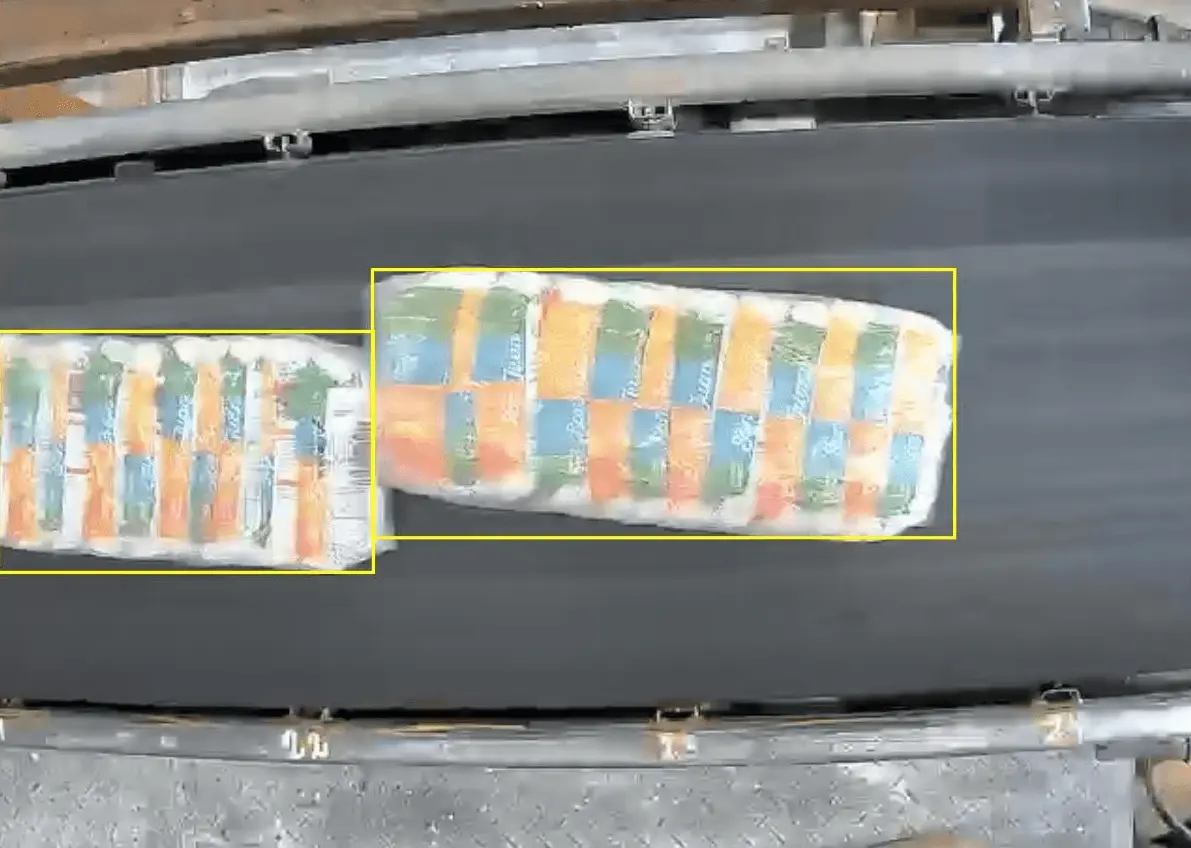
The counter recognizes not only individual bags but also bales — several bags bundled together into a single package. If necessary, it distinguishes between different types of items and counts them separately: bags as bags, and bales as bales.
The size and format of the packaging are not critical. Whether it’s standard 50-kg bags, small 10-kg bags, or non-standard bales, the video counter adapts to the product and accurately counts every type.
In most cases, no. The video counter connects to existing surveillance cameras and operates on the existing infrastructure.
If the current angle isn’t right, you can adjust the camera’s position or mount a new one elsewhere, but this is the exception rather than the rule.
Once configured, the meter operates automatically and does not require constant monitoring.
The operator interacts with it during startup and monitoring. Maintenance is limited to basic tasks: checking the camera and the condition of the equipment, just as in a standard video surveillance system.
Yes. The system allows you to track orders linked to a vehicle or customer.
The data is saved and can be transferred to the company’s accounting system or ERP system for further processing, such as generating reports, performing analyses, or conducting reconciliations.