
Counting Program
Content
Start program
Close program
Change camera IP
Change counting zoneChange counting zone
Monitoring
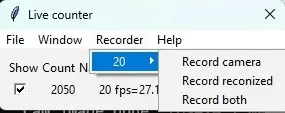
Record counting video
Record camera – Record the original video without counting.
Record recognized – Record the video with counting, without the original video.
Record both – Record two videos (it is recommended to use this option).
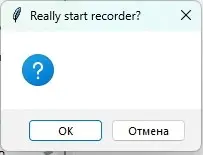
Click OK
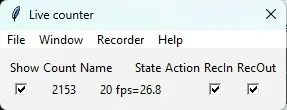
After recording starts, checkmarks appear in the graphical interface. To stop recording, you need to remove them.
After recording, two files will appear in the C:\ml\live\video_out folder:
2025-10-03-10-08-47_cam_20_recognized.mp4— counting result.2025-10-03-10-08-47_cam_20_in.mp4— original video.
The original video can be used to train the model.