
Bread counting on bakery production lines
Bakeries lose product to the human factor — production losses that cameras record but don’t prevent. CamContador counts at every key stage: dough entering the oven, finished bread leaving it, transport to packaging. When a shortage occurs, you see exactly where and when.
Works with any bakery line
Your existing cameras
CamContador works with the cameras already installed on your line. Setup is done remotely — the production floor stays untouched.
Any stage of production
Dough before the oven, bread at the exit, transport to packaging — place cameras wherever losses need to be caught.
Any number of bread types
Three types or fourteen — the system recognises each one separately and counts them in parallel on the same line.
What the system counts and where
Dough before the oven
The earliest control point on the line — before any person touches the product. One bakery found their losses were happening before baking, not after, and moved the camera accordingly.
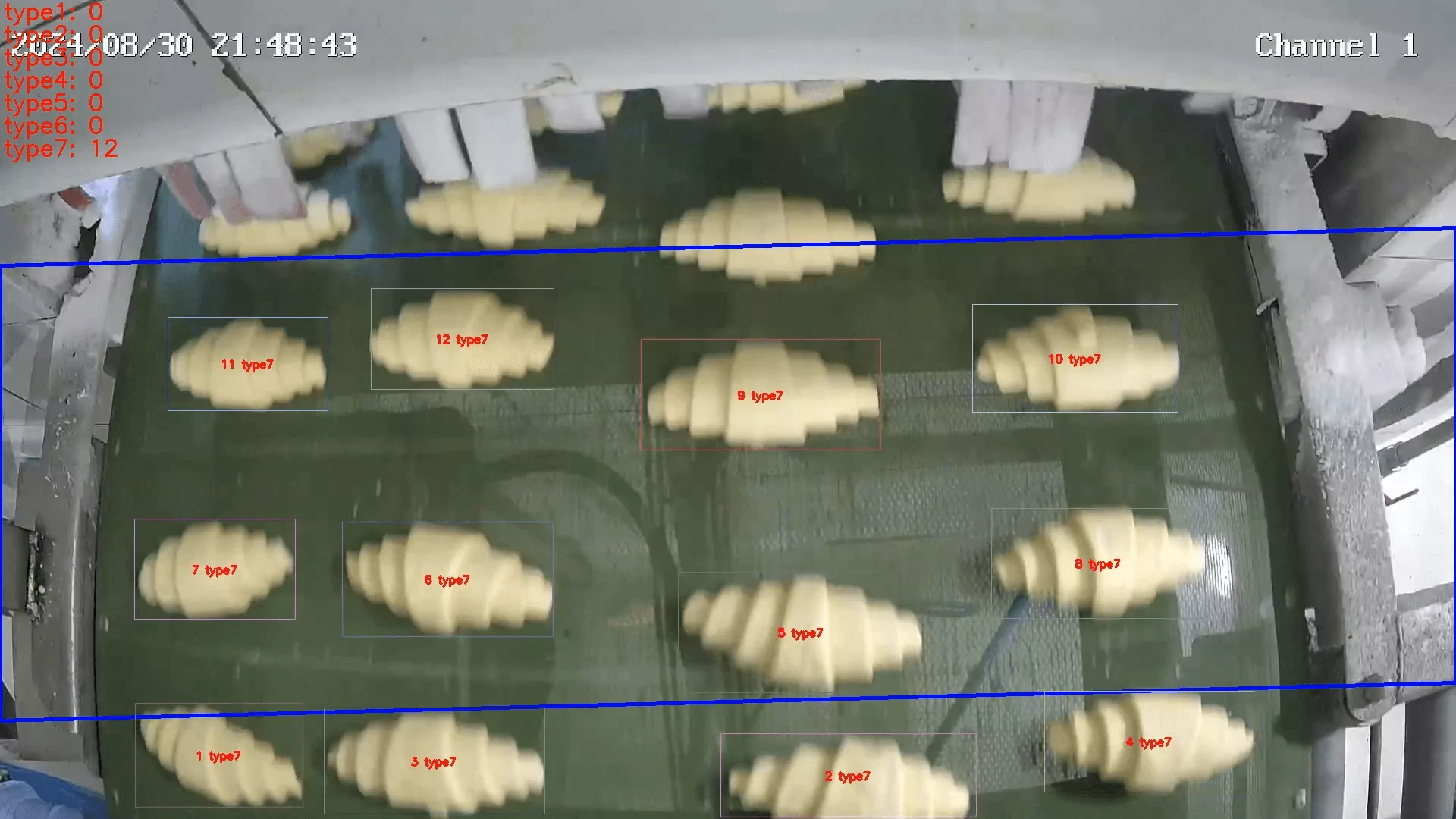
Oven output — finished bread leaving the oven
The most common counting point. Bread exits the oven slowly and appears in the frame one by one — the most reliable point to count accurately.
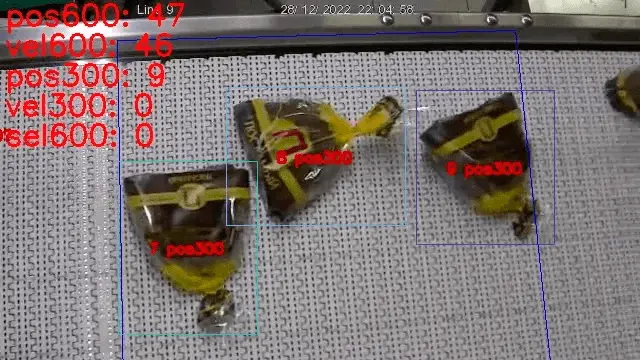
Packaged bread on the conveyor
When packaging varies in colour or label, each SKU is counted separately on the conveyor. Management sees output by product type in real time — shift report goes to accounting automatically.
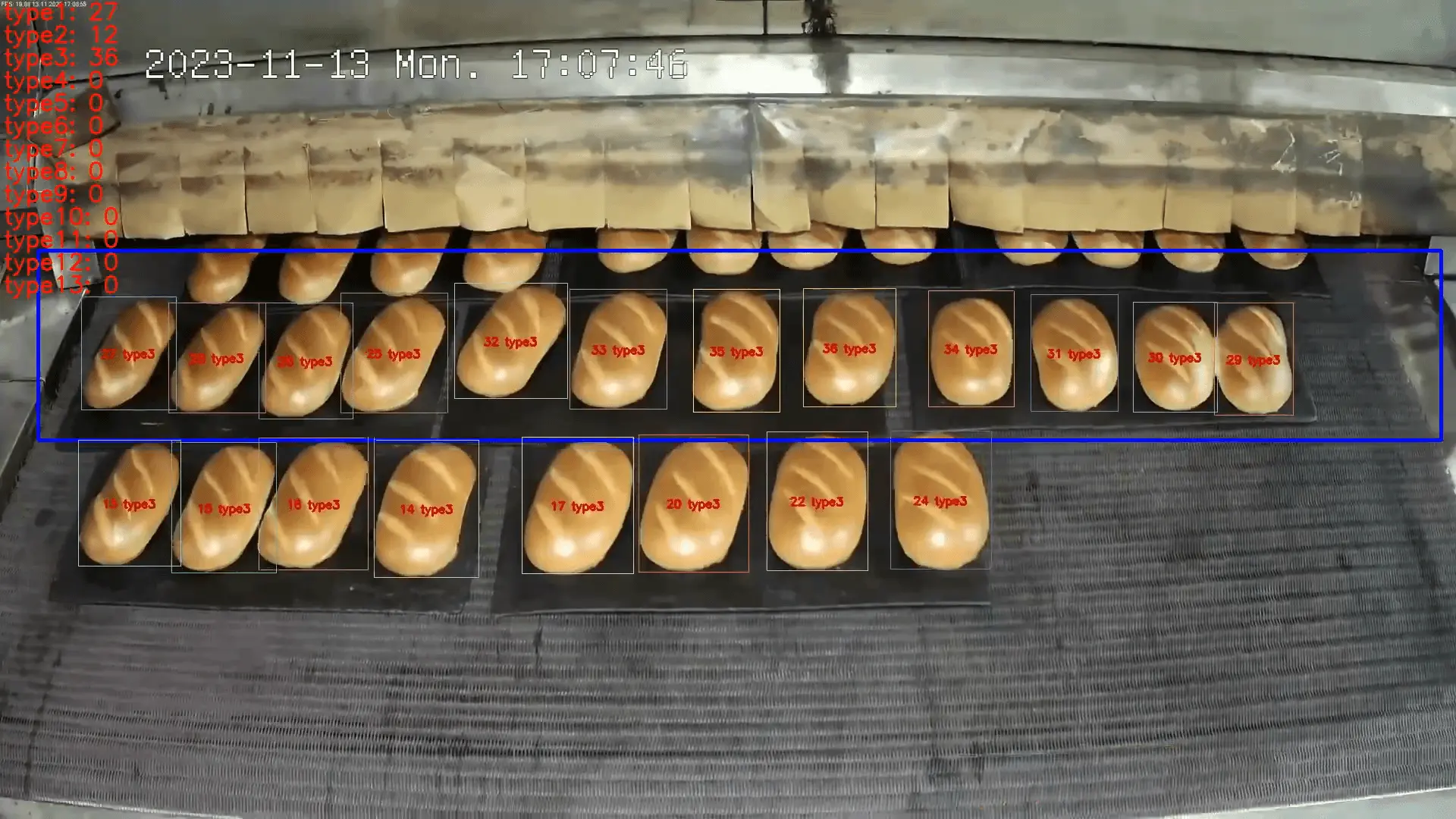
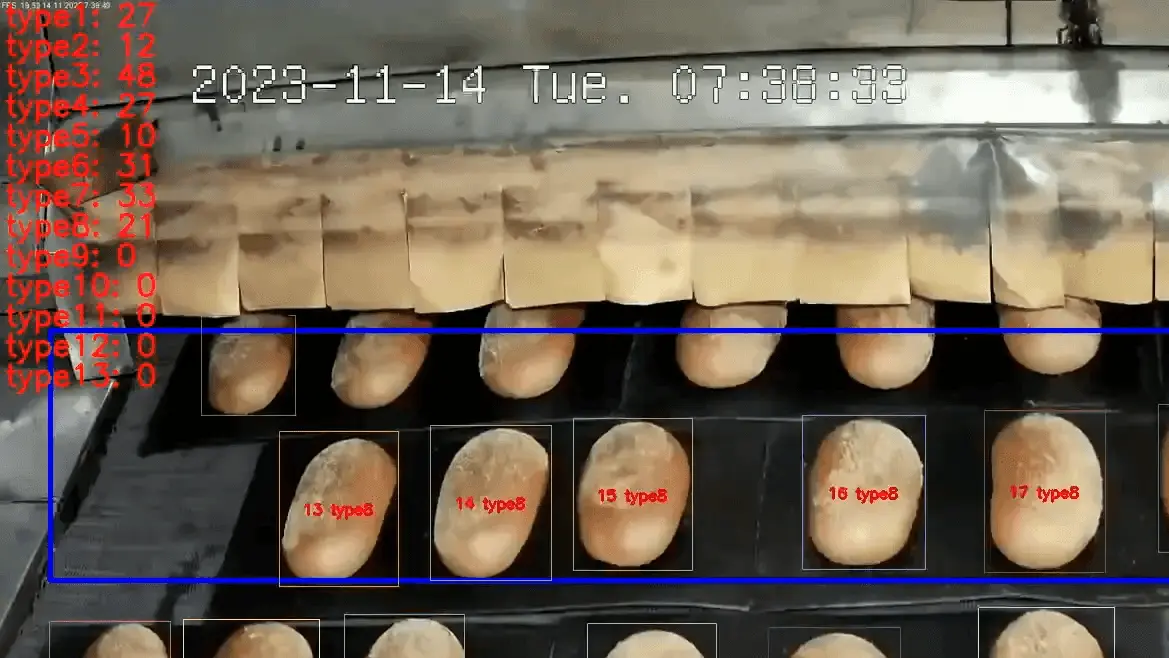
Bread recognition by type
When bread types differ in shape — baguette, round loaf, flatbread, braided roll, ciabatta — the system tells them apart reliably and counts each type separately. The report shows output by bread type, not just a total unit count.
Recognition is configured before launch using sample footage from your line. Each type is trained individually — the more types on the line, the more time configuration takes. After launch, we monitor accuracy together with you and adjust as needed.
Conveyor control integration
CamContador can connect to conveyor automation and act on live count data — stopping the line, redirecting flow, or triggering equipment at the right moment.
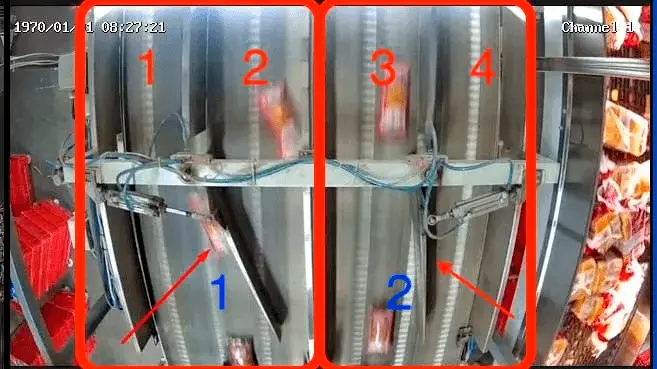
On one project at a bakery, the counter was integrated with a conveyor paddle that automatically redirected product flow between lines every time a set batch quantity was reached. Accuracy: 100%. After the pilot, the customer scaled to 7 production lines.
What to know before deployment
01
Works with your existing cameras
We configure the counter for the cameras already installed on your line. If the angle or resolution needs adjustment, we identify this during the pre-test and recommend the best way forward.
02
People and smoke in the frame
Workers entering the counting zone and smoke from the oven are the two most common sources of errors on bakery lines. The system detects these incidents and sends them to you for review — so you can check that counting stayed on track.
03
Configuration time depends on the number of bread types
Simple counting without recognition launches in 2 days. With recognition configured for multiple bread types — approximately one month.
04
What happens after launch
After the system goes live, we monitor the first results together with you. If any discrepancies appear, we look into them jointly and work out what needs to be adjusted.
What you get in reports
Reports show output by bread type for any period — by shift, day, week, month, or longer. Each type appears as a separate line with its quantity. Defects are counted as a separate category.
At the end of each shift, the accounting department receives the report automatically. If a production loss occurred, the report shows which checkpoint it happened at and when.
Export: PDF, Excel. Integration: REST API or direct push to ERP.

Cases
Common questions
The system works with your existing IP cameras. If the angle or resolution needs adjustment, we identify this during the pre-test and recommend the best way forward.
When types share the same shape and differ only in crust colour, recognition takes more time to configure and stabilise. We assess this during the pre-test and tell you upfront what to expect.
Yes. Defects and rejects are counted as a separate category and appear as a distinct line in the report — so production losses are visible without manual checking.
Yes. Data exports as PDF or Excel for any period. Integration with ERP systems is available via REST API or direct push.
Pricing
Annual license: 200 € per camera. Lifetime license: 800 € per camera.
One-time setup fee: 200 €, regardless of camera count.
Launch without recognition: 2 days. With recognition configured: approximately one month.